How do I clear a stuck call that will not reset?
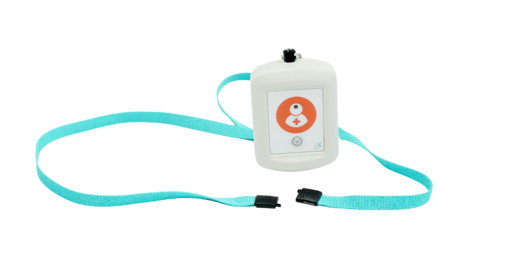
1. Press the grey reset button on the room call point to end the call.
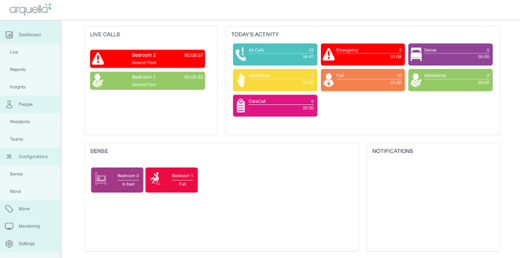
If the call remains on the panel:
1. Open the Maintenance App on an Android device.
2. Look at the call notification on the panel.
3. Note the 3 digit Radio ID shown at the bottom left of the alert.
4. In the Maintenance App, go to Clear Call.
5. Enter the 3 digit Radio ID.
6. Submit.
If the call still does not clear, email customersupport@arquella.co.uk with the following detail:
Care home name, 3 digit radio ID



Comments